API KEYS / OPENROUTER
Get your OpenRouter API key
Only needed if you picked the API-key option in setup.
OpenRouter is one key that can reach many different models. About two minutes, three steps.
- Create the account. Go to openrouter.ai and sign in (Google or GitHub).
- Buy credits first. Open the Credits page and add a small amount — $5 is plenty to start. Prepaid credits ARE the billing here; without them the key won't run anything.
- Create the key. Open API Keys (openrouter.ai/workspaces/default/keys) and click "New Key". Name it "jarvis", leave Expiration on "No expiration" — and if you want a hard spending cap, set "Credit limit" to a dollar amount you're comfortable with (that's your guarantee the bill never surprises you). Click Create and copy the key immediately (shown only once).
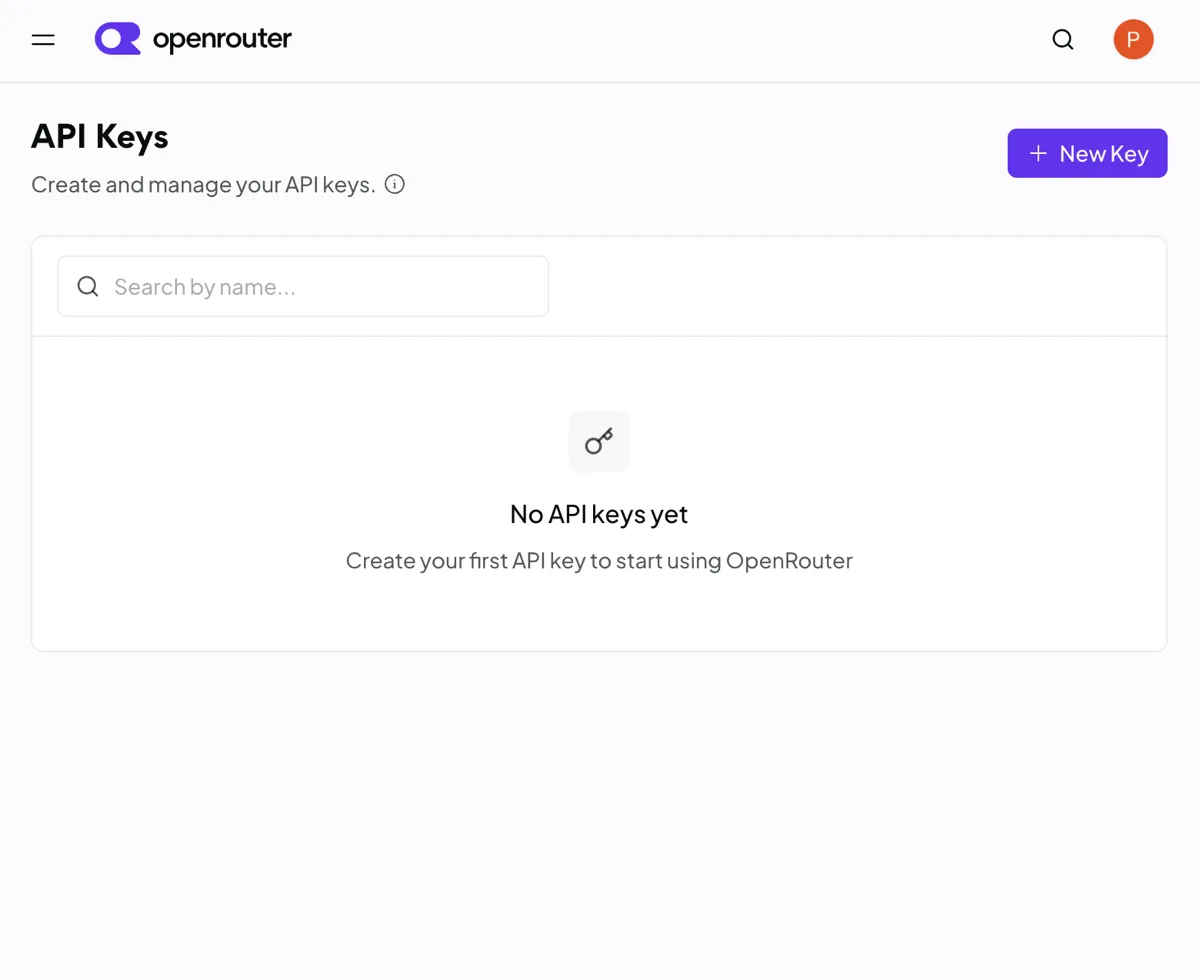
API KEYS — NEW KEY 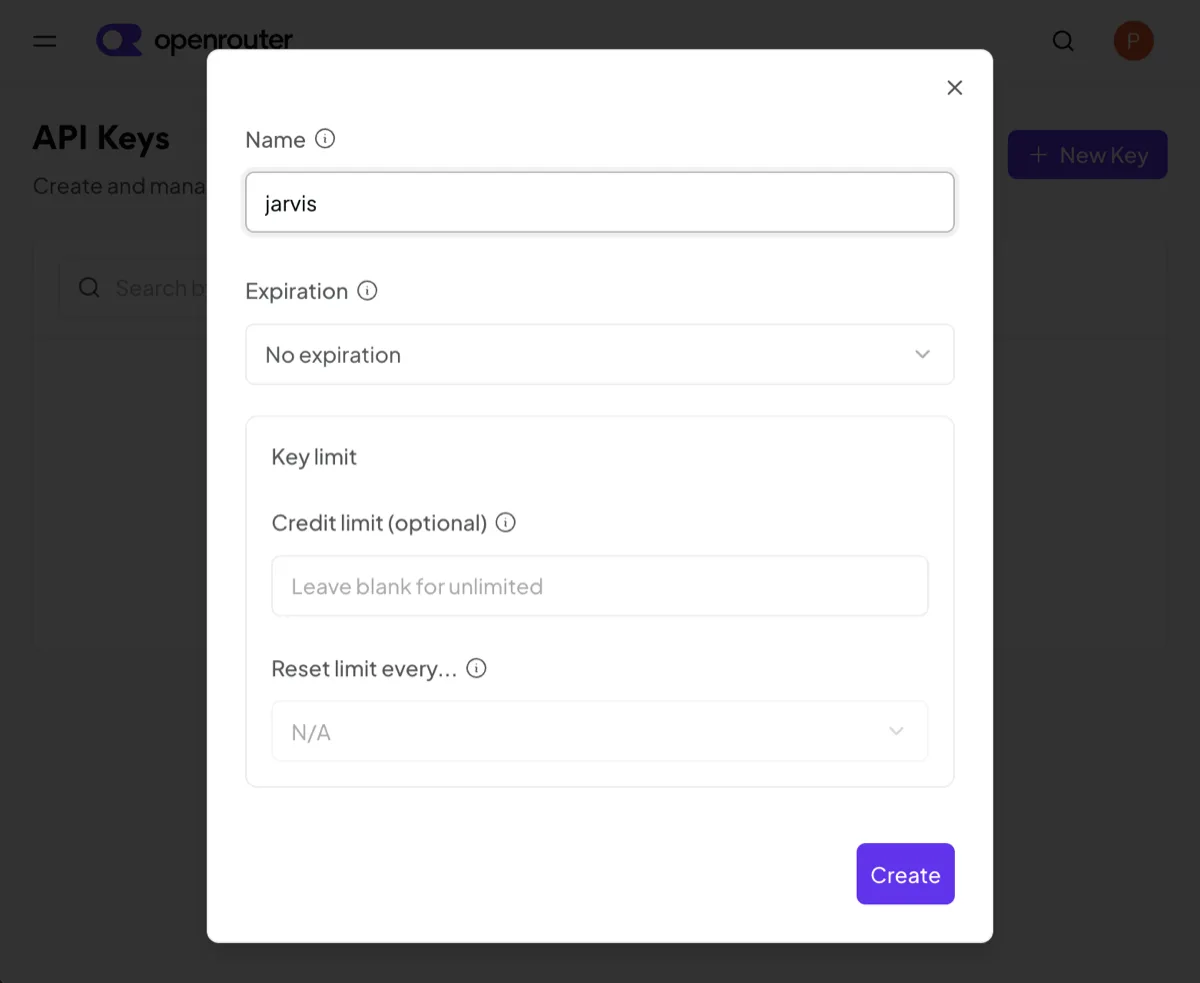
CREATE KEY — NO EXPIRATION, OPTIONAL CREDIT LIMIT 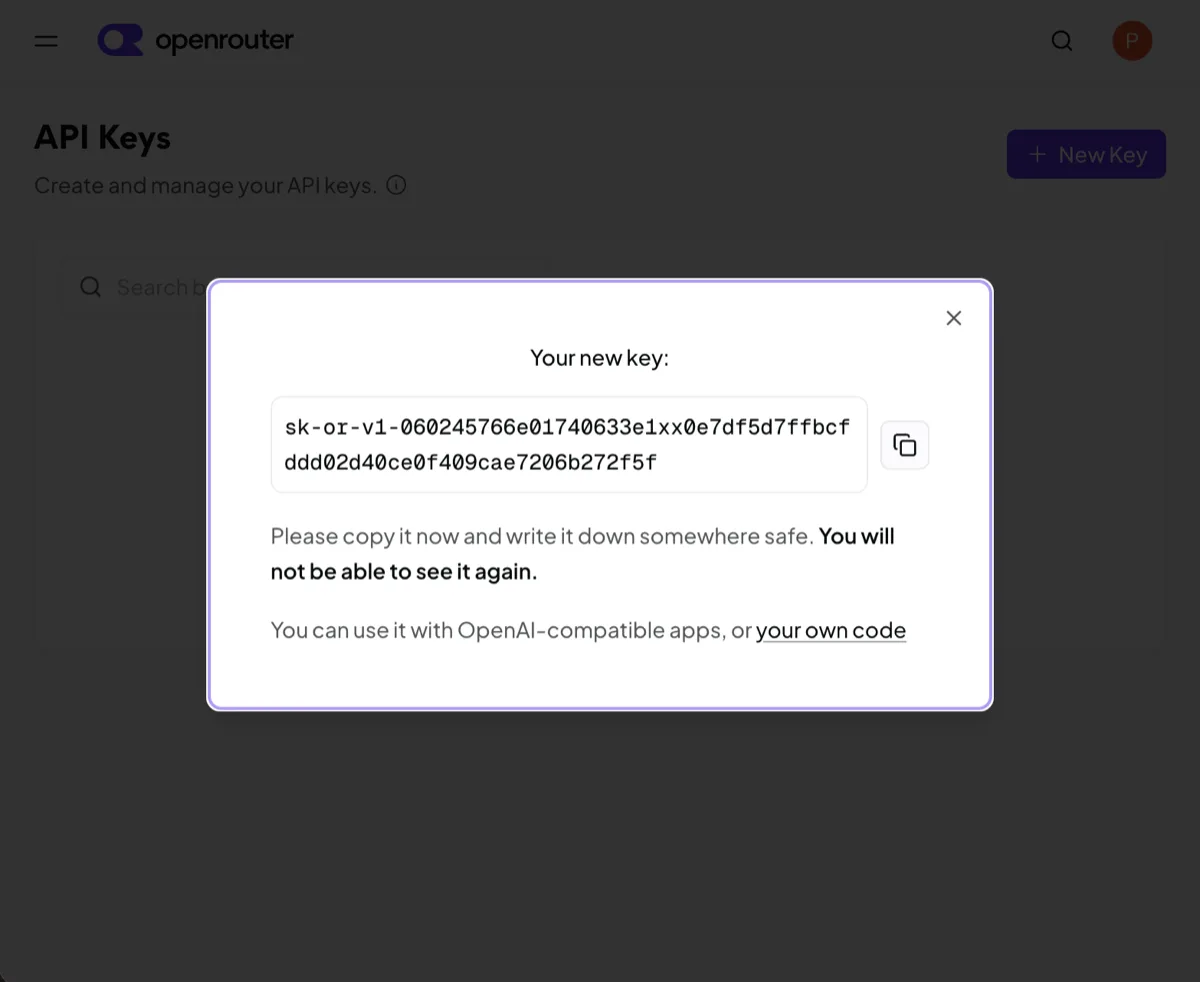
SHOWN ONCE — COPY IT NOW
Open JARVIS setup, pick OpenRouter, and use the PASTE button to drop the key in.
If the wizard says the key doesn't verify: check you have credits remaining (step 2).
Stuck? Email jarvis.agent.tech@pm.me — a real person reads and answers.